Asteroid Defense Classic2.1.0
Publisher Description
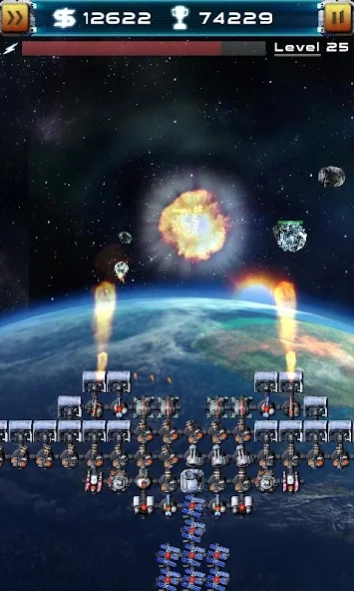
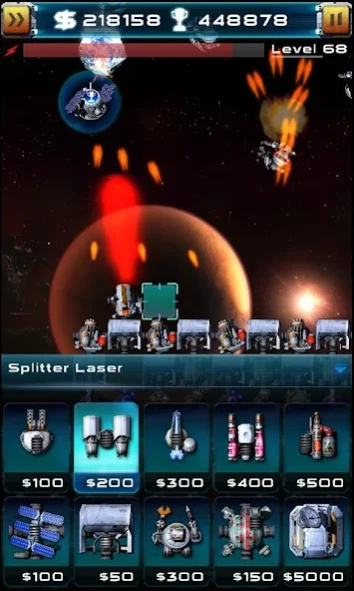
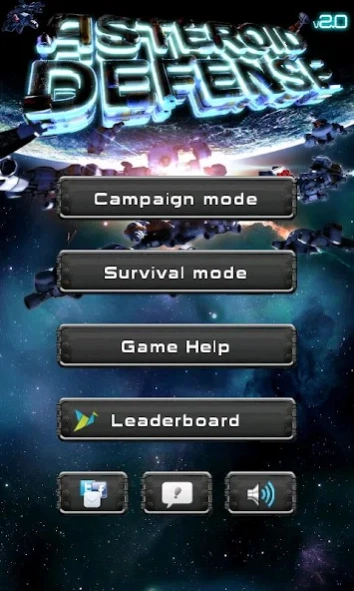
Defend our planet from asteroids and aliens in this great tower defense game.
Asteroid Defense 2 is the evolution of the first game, entirely developed based on the player's feedback by adding new items, weapons, enemies, campaign game mode and even better graphics and sounds. Check it out:
+ Tower defense style game
+ Vivid awe-strucking graphics that will amaze you!
+ Great gameplay, develop your own strategy and tactics
+ Campaign mode (Earth, Moon, Mars, Jupiter, Saturn, Neptune and Kuiper's Belt)
+ Ranking mode - Compete for the highscore with other players
+ Your game is automatically saved so you can play again later
+ Advanced options to fine tune performance on your device
+ For those who enjoy challenging games with good graphics and gameplay
About Asteroid Defense Classic
The company that develops Asteroid Defense Classic is Deonn Games ltd.. The latest version released by its developer is 2.1.0. This app was rated by 1 users of our site and has an average rating of 4.0.
To install Asteroid Defense Classic on your Android device, just click the green Continue To App button above to start the installation process. The app is listed on our website since 2013-02-08 and was downloaded 45 times. We have already checked if the download link is safe, however for your own protection we recommend that you scan the downloaded app with your antivirus. Your antivirus may detect the Asteroid Defense Classic as malware as malware if the download link to com.deonn.games.ad2 is broken.
How to install Asteroid Defense Classic on your Android device:
- Click on the Continue To App button on our website. This will redirect you to Google Play.
- Once the Asteroid Defense Classic is shown in the Google Play listing of your Android device, you can start its download and installation. Tap on the Install button located below the search bar and to the right of the app icon.
- A pop-up window with the permissions required by Asteroid Defense Classic will be shown. Click on Accept to continue the process.
- Asteroid Defense Classic will be downloaded onto your device, displaying a progress. Once the download completes, the installation will start and you'll get a notification after the installation is finished.
Program Details
System requirements
Download information
Pricing
Version History
version 2.1.0
posted on 2013-02-08
Several fixes and updates
version 2.1.0
posted on 2013-02-08
Version 2.07:,+ Fixed problem with License Validator,+ Fixed Campaign Mode losing saved game,Version 2.06 - 2.00:,+ Trophies in the ranking list,+ New progressive ranking system (Ranking Mode),+ Fixed save issue in some devices,+ Fixed: Audio plays at inappropriate times, such as when the phone is locked or when other apps have focus.,+ Fixed: Force close in higher levels (too many units),+ Survival Mode game balance adjustment,+ OpenSL to fix Samsung Galaxy SII freezing when sound is on
